Audit server settings with Azure Policy Guest Configuration
In my last blog post on Azure Governance, I wrote about how you can use Azure Policy to keep control of your Azure environment. In this blog post, I will show you how you can extend Azure Policy to the guest operating system of Azure virtual machines (VMs), and Azure Arc enabled servers to audit server settings using Azure Policy Guest Configuration.
Azure Policy can audit settings inside a machine, both for machines running in Azure and Arc Connected Machines. The validation is performed by the Guest Configuration extension and client. The extension, through the client, validates settings such as:
– The configuration of the operating system– Application configuration or presence
– Environment settings
Have a look at my other blog posts about:
How to audit machines using Azure Policy Guest Configuration
Before you can audit settings inside a machine, a virtual machine extension needs to be enabled and the machine must have a system-managed identity. The extension isn’t required for Arc Connected Machines because it’s included in the Arc Connected Machine agent.
To deploy the extension at scale, assign the following policy initiative:
Deploy prerequisites to enable Guest Configuration policies on virtual machines
You and find more information about how to enabled Azure Policy Guest Configuration on Microsoft Docs.
Assigning Guest Configuration policies works the same way as other Azure Policies. To assign a policy or initiative, you need to go to Azure Policy in the Azure portal. Here you can click on Assignment and then on Assign policy, or Assign initiative.

Now you select the policy definition you want to implement. In this example, we are going to audit servers for insecure password settings. There are also industry-specific certifications available.

You can set the parameters of the initiative, for Guest Configuration policies, there is at least one parameter that allows you to included Azure Arc enabled servers. This will come with an additional cost for Azure Arc enabled servers, while this is free of charge for servers running in Azure.
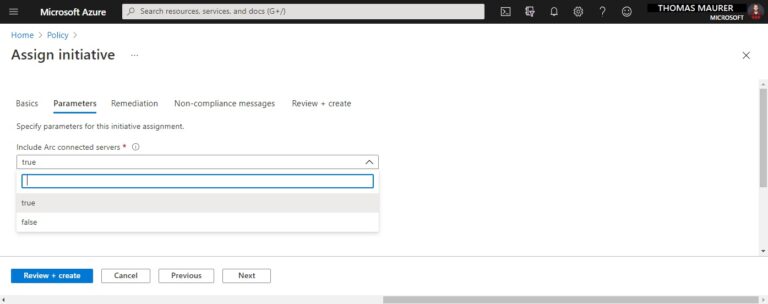
After you clicked on Review + create, it will take a couple of minutes, and the assignment will show up in the compliance view as compliant or non-compliant.
You can also use the Azure CLI or Azure PowerShell to assign policies and definitions. If you are running Azure DevOps, you can also apply policies in a CI/CD pipeline and take advantage of the native integration with Azure DevOps to surface policy violations before deployment and policy compliance assessments in the cloud after deployment.
Audit server settings with Azure Policy Guest Configuration
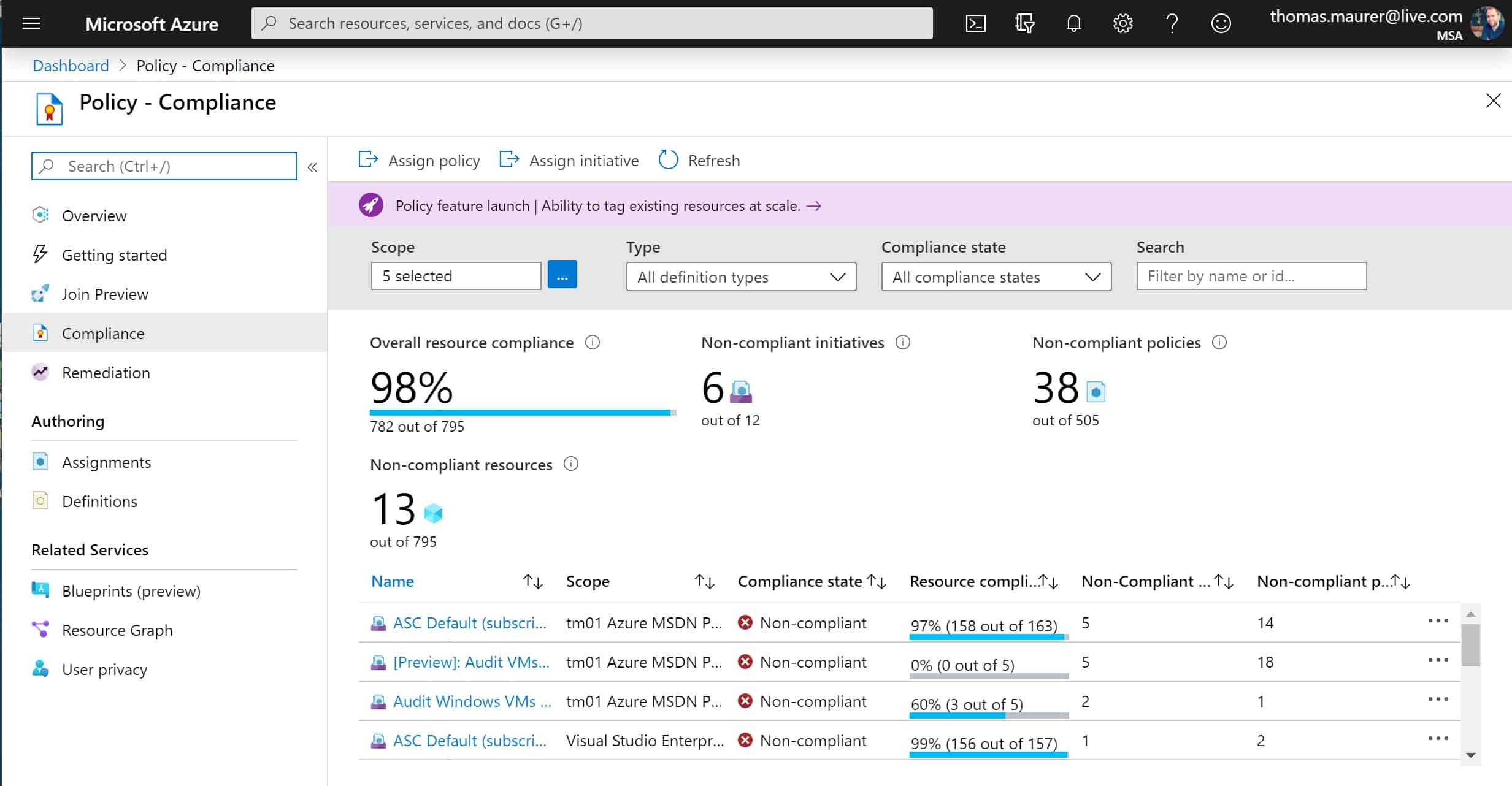
If you want to get an overview of your compliance state, you can go to the Compliance page, and you will get an overview of the different assignments and their compliance state.

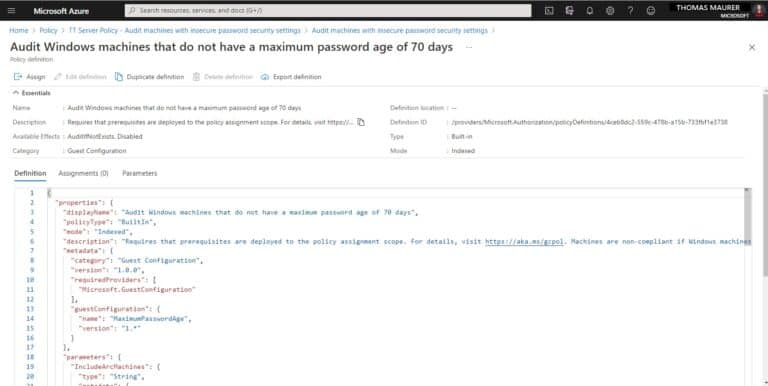
You can also have a more detailed look at the initiative or policy and the definition. You can not just use the built-in policies and initiatives, you can also write your own.
Author custom Azure Policies
Microsoft Azure provides you with built-in definitions. However, you can also author your own policy definition if you need to. You can read more about writing your own customs policies in JSON here. You can also use a Visual Studio Code extension to work on policies.
Check out how to create Guest Configuration policies for Windows.
You can find built-in Policy samples here:
Guest Configuration built-in policy samples are available in the following locations:

Additional Information
Here are some quick facts I often get ask about Azure Policy Guest Configuration:
- Azure Policy Guest Configuration supports Linux and Windows Server. For more information about supported operating systems check out the official Microsoft Docs page.
- Azure Policy Guest Configuration works in Hybrid and Multi-cloud environments and supports Azure VMs, servers running on-premises, or at other cloud providers.
- Yes, you can create custom Guest Configuration policies.
- For Azure virtual machines, you can use the service tag “GuestAndHybridManagement”
- Virtual machines can use private link for communication to the Guest Configuration service.
Pricing
Azure Policy Guest Configuration is offered at no additional cost to Azure subscribers to audit Azure resources and for Azure Arc resources it is charged at $6/Server/Month.
Video: Governing baselines in hybrid server environments using Azure Policy Guest Configuration
The following overview of Azure Policy Guest Configuration is from ITOps Talks 2021.
Conclusion
I hope this blog post provides you with a short overview of how you can audit server settings with Azure Policy Guest Configuration for Azure virtual machines as well as Azure Arc enabled servers. To learn more I highly recommend checking out, the official Microsoft Docs page.
Tags:
,
,
,
Azure Policy Guest Configuration
,
,
,
,
,
,
,
,
,
Remediation Last modified: March 9, 2021
Thomas works as a Senior Cloud Advocate at Microsoft. He engages with the community and customers around the world to share his knowledge and collect feedback to improve the Azure cloud platform. Prior joining the Azure engineering team, Thomas was a Lead Architect and Microsoft MVP, to help architect, implement and promote Microsoft cloud technology.
If you want to know more about Thomas, check out his blog: http://www.thomasmaurer.ch and Twitter: http://www.twitter.com/thomasmaurer
March 3, 2021•
Microsoft Azure
In this episode of Azure Unblogged, Thomas Maurer speaks with @liorkamrat about the Azure Arc Jumpstart…
March 2, 2021•
Certification
Microsoft just announced 4 new Microsoft Security Certification beta exams. These new exams have the exam codes SC-900, SC-200, SC-300, and…
February 18, 2021•
PowerShell
2020 must have been a busy year because I missed one of the greatest new PowerShell features called Predictive IntelliSense. Back in…
February 17, 2021•
Microsoft Azure
Yesterday I had the chance to be on the 425 Show live stream on YouTube with Christos Matskas and John Patrick Dandison from the Microsoft…
virtualization
via Thomas Maurer https://ift.tt/1P0JLf1
March 9, 2021 at 08:20AM
Thomas Maurer
 Stack IT News