OneDrive Syncing only for domain-joined causing issue for AAD Machines
Allow Syncing only on computers joined to specific domains option is a starting point to block personal devices from syncing with the domain when the user doesn’t have a intune license. Once a user gains a license for conditional access policies they can start using the conditional access which will give more granularity like exclusions for example.
But at the same time if you have this tenant-level setting. Your Azure Active Directory (AAD) joined machines will start having OneDrive sync issues. you cannot simply turn off this feature and continue with conditional access. it will block One Drive for many devices if the One drive sync client is not running the latest version. this is what we have experienced so far.
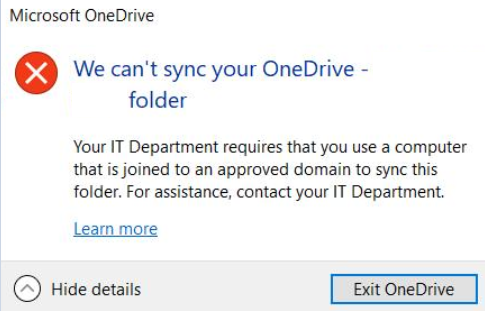
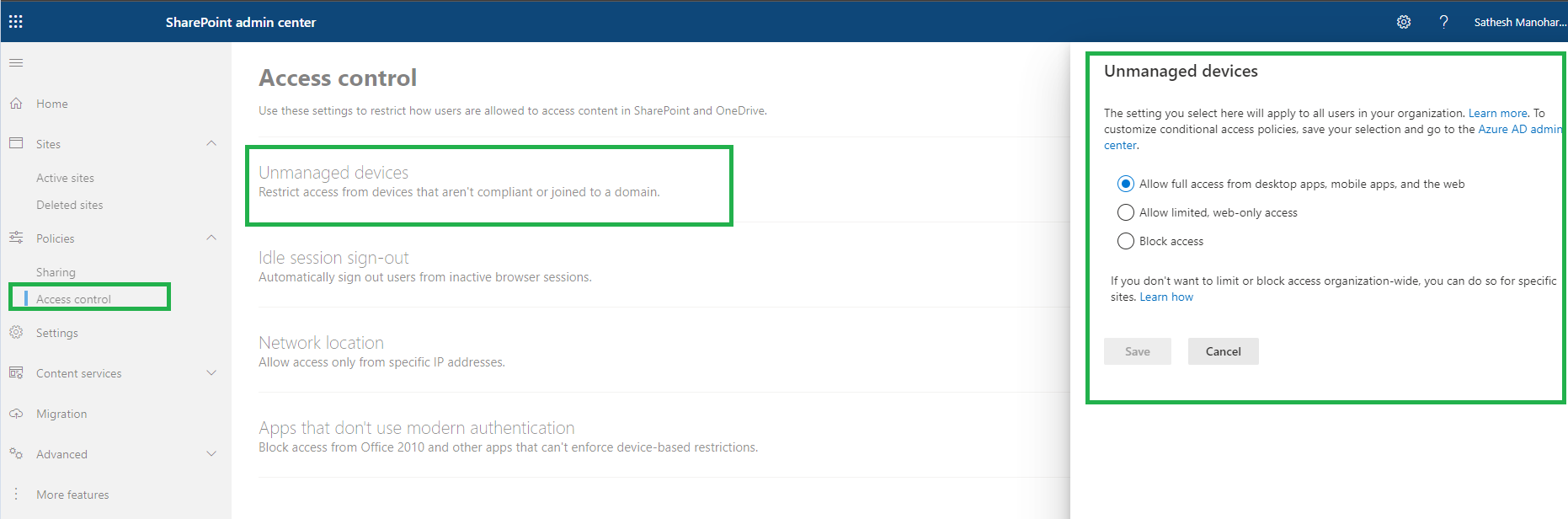
You can see this tenant-level setting in Share Point Admin Center
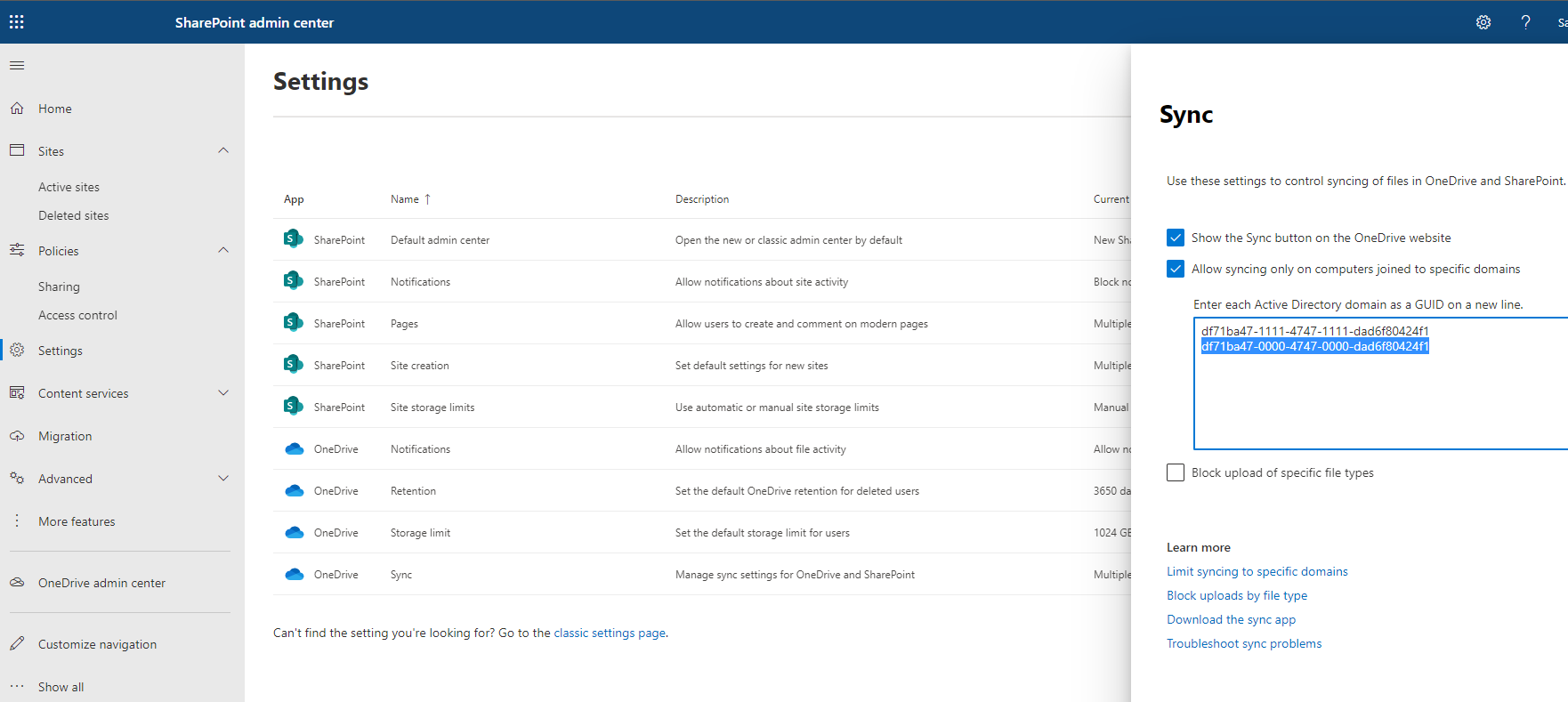
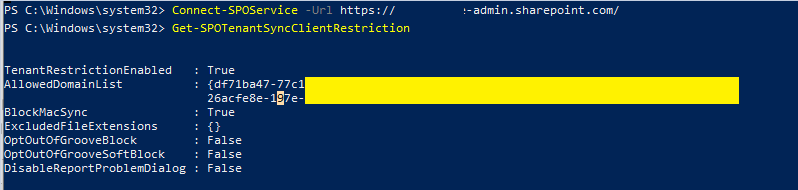
Once you add the GUID. It places the GUID for SharePoint Tenant sync client restriction sync as well. It is just for your knowledge and troubleshooting purposes if someone has played around this setting.
Connect-SPOService -Url https://azure365pro-admin.sharepoint.com/
Get-SPOTenantSyncClientRestriction
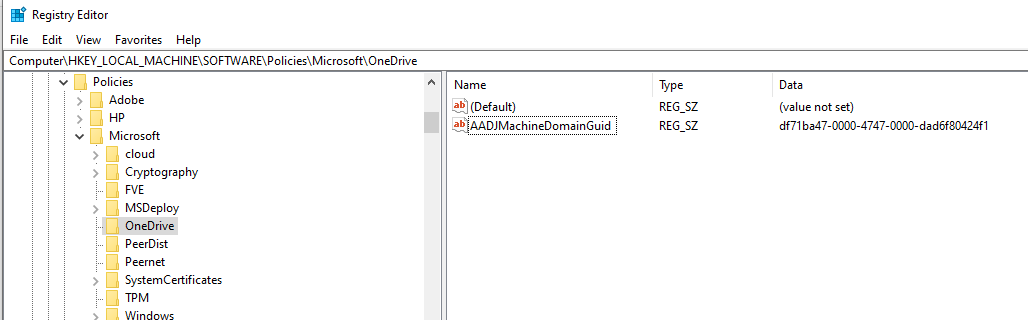
To allow the azure AD joined machine to sync you need to add this below registry for example to allow it to sync.
if you wish to use Powershell.
$guid = "df71ba47-0000-4747-0000-dad6f80424f1"
New-Item -ItemType Directory -Path "HKLM:\Software\Policies\Microsoft\OneDrive" -Force
Set-ItemProperty -Path "HKLM:\Software\Policies\Microsoft\OneDrive" -Name "AADJMachineDomainGuid" -Value $guid -Force
Now there is another tenant-level setting for blocking unmanaged devices. The unmanaged device is not
an Intune managed compliant device or not an hybrid Azure AD joined device.
The post OneDrive Syncing only for domain-joined causing issue for AAD Machines appeared first on Azure365Pro.com.
exchange
via azure365pro.com https://ift.tt/3jgndMU
August 9, 2021 at 06:29AM
Satheshwaran Manoharan
 Stack IT News